
Student Checklist
Getting started in Workday Student
- Log in to Workday Student
- Complete tasks in your My Tasks inbox.
- Review your personal information, such as name, date of birth, residency status.
- Next, complete the Financial Responsibility Onboarding task.
- Confirm your contact information is correct.
- Review your current address
- Add emergency contacts
- Update Family and Friends, which is also considered proxy access. You will not be able to grant access to your student account information until billing becomes available in June.
- Review your Academics hub.
- Academic Progress
- Program of Study/Major
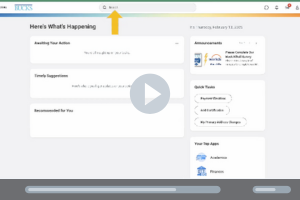
How-to videos
Explore Workday Student with our series of short video tutorials. Learn how to complete essential tasks such as registering for courses, creating an academic plan, updating personal information, and more.